>_ usage
commands, with the images they make
Every image command routes through one of naba's providers (Gemini, OpenRouter, or AWS
Bedrock) — see config for provider and key setup. Each example below shows the
exact command
and the image it produced; captions note the prompt and the model used. (These are real
naba outputs, mostly on the fast gemini-3.1-flash-image tier, with one on the higher-quality
gemini-3-pro-image tier.)
generate
Turn a text prompt into an image.
naba generate "a red apple on a white background"

naba generate "a serene mountain lake" --style watercolor
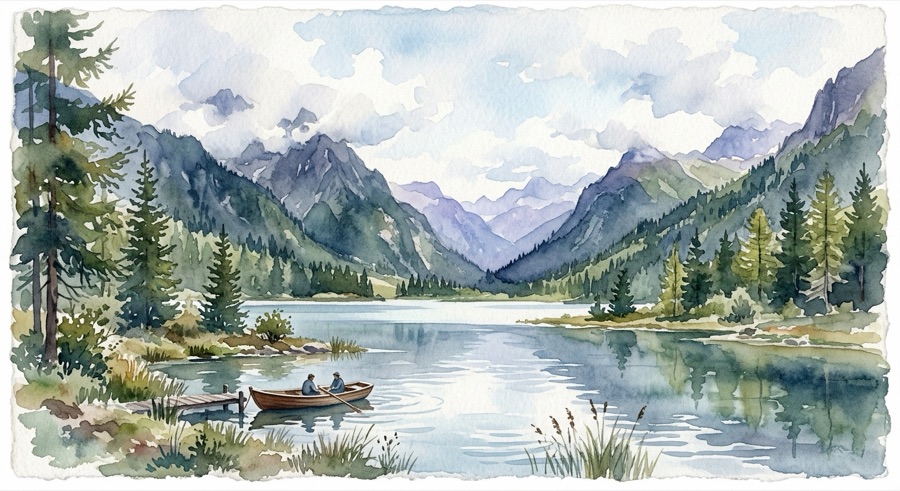
naba generate "a futuristic city skyline at dusk" --style pixel-art

naba generate "a sweeping desert canyon vista at golden hour" --quality high --aspect 16:9
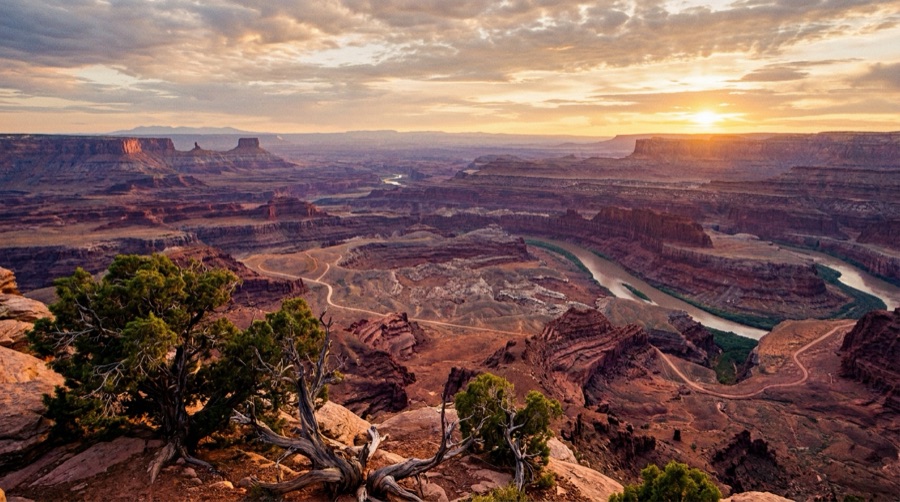
Aspect ratio & resolution. --aspect and --resolution set the Gemini imageConfig
and are available on all generative commands. Valid --aspect: 1:1, 2:3, 3:2, 3:4, 4:3,
4:5, 5:4, 9:16, 16:9, 21:9 (and the wide 1:4 … 8:1 extremes). Valid --resolution:
512, 1K, 2K, 4K (uppercase K). On Gemini, --quality high selects the
gemini-3-pro-image tier; --quality fast (default) is gemini-3.1-flash-image.
edit
Modify an existing image with a natural-language instruction.
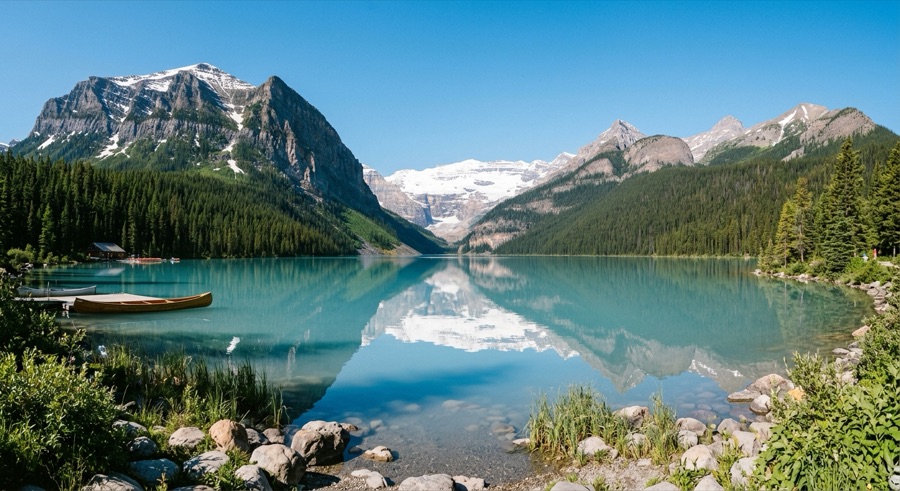
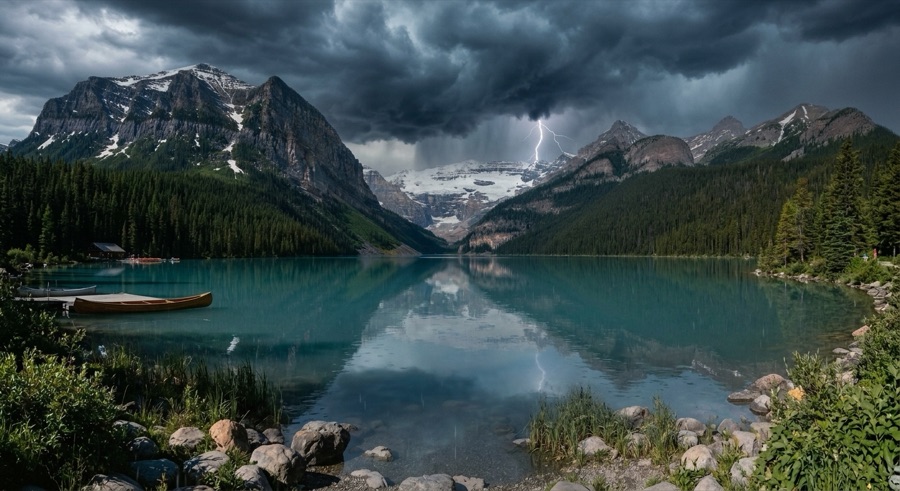
naba edit lake.jpg "make the sky dramatic and stormy"
restore
Enhance or repair an old or degraded image.
naba restore old-photo.jpg "sharpen and improve colors"


icon
Generate app icons in one or more sizes.
naba icon "rocket ship" --style flat --size 512

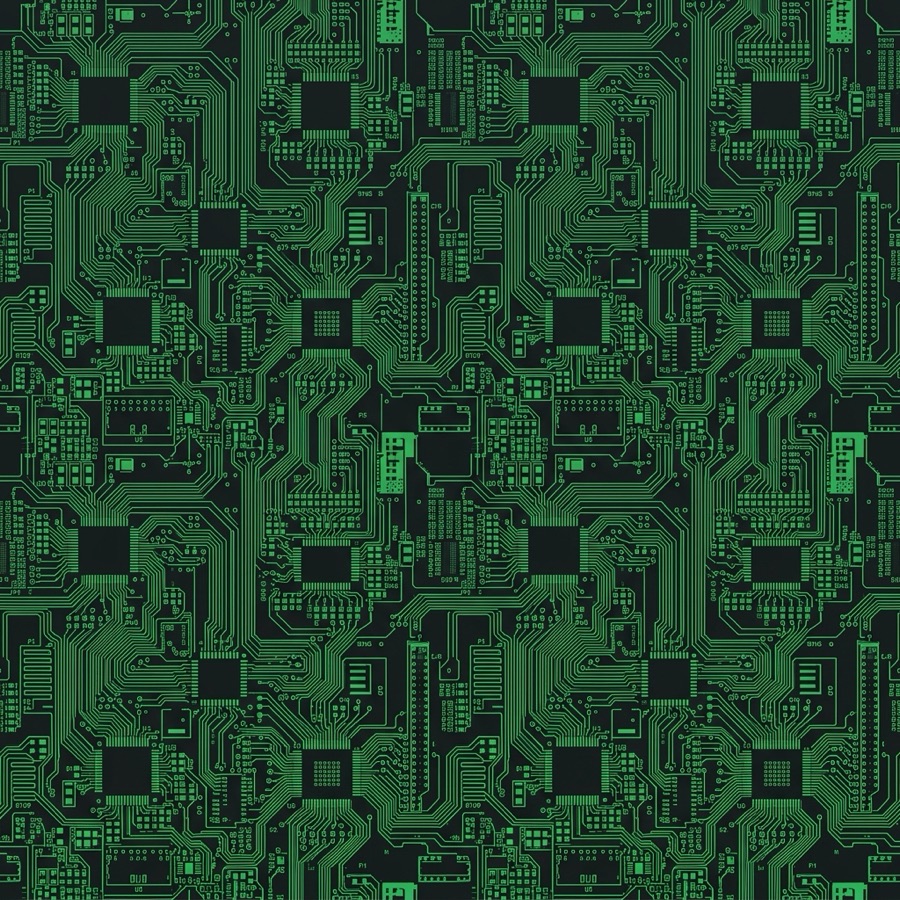
pattern
Seamless, tileable textures and backgrounds.
naba pattern "circuit board" --style tech --colors mono
story
A sequence of images that tell a visual narrative.
naba story "a small sailboat's voyage from calm harbor to open sea at sunset" --steps 3



"a small sailboat's voyage from calm harbor to open sea at sunset" · --steps 3 · gemini-3.1-flash-image
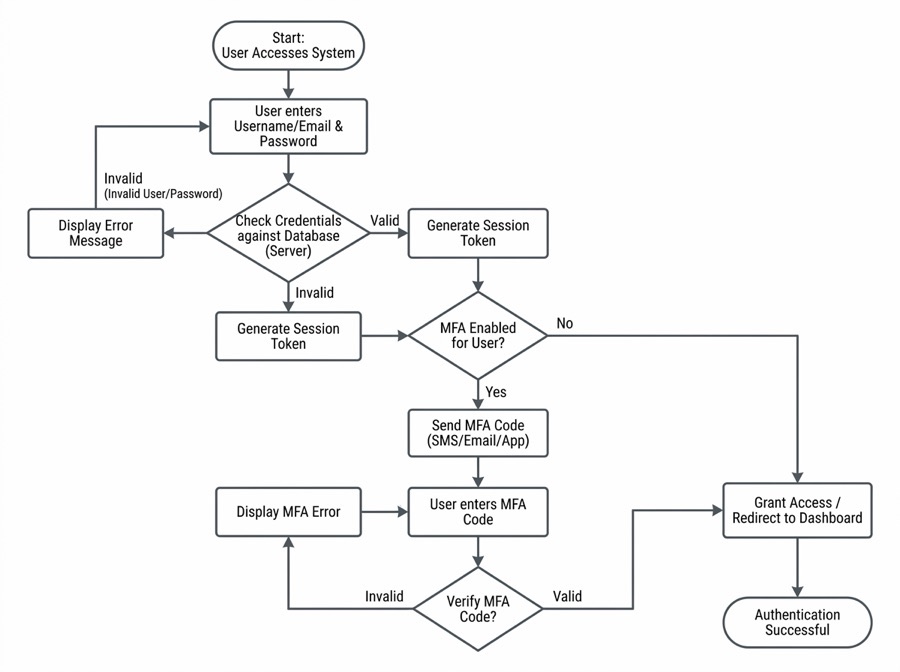
diagram
Rendered technical diagrams from a description.
naba diagram "user authentication flow" --type flowchart
provider
List the registered providers and which have resolvable credentials. A * marks the
provider a bare image call would use (the effective default); each row shows its credential
status and effective default model.
naba provider
naba provider --json          # machine-readable {status, data} envelope
models
List a provider's available models via a live API call. With no --provider, it lists the
resolved default provider's models; pass --provider to target another (it needs a resolvable
key for that provider).
naba models                       # the default provider's models
naba models --provider bedrock    # a specific provider's models
naba models --provider openrouter --json
Managing the binary itself — naba self update,
naba doctor, and the
naba skills lifecycle — lives on the config page.